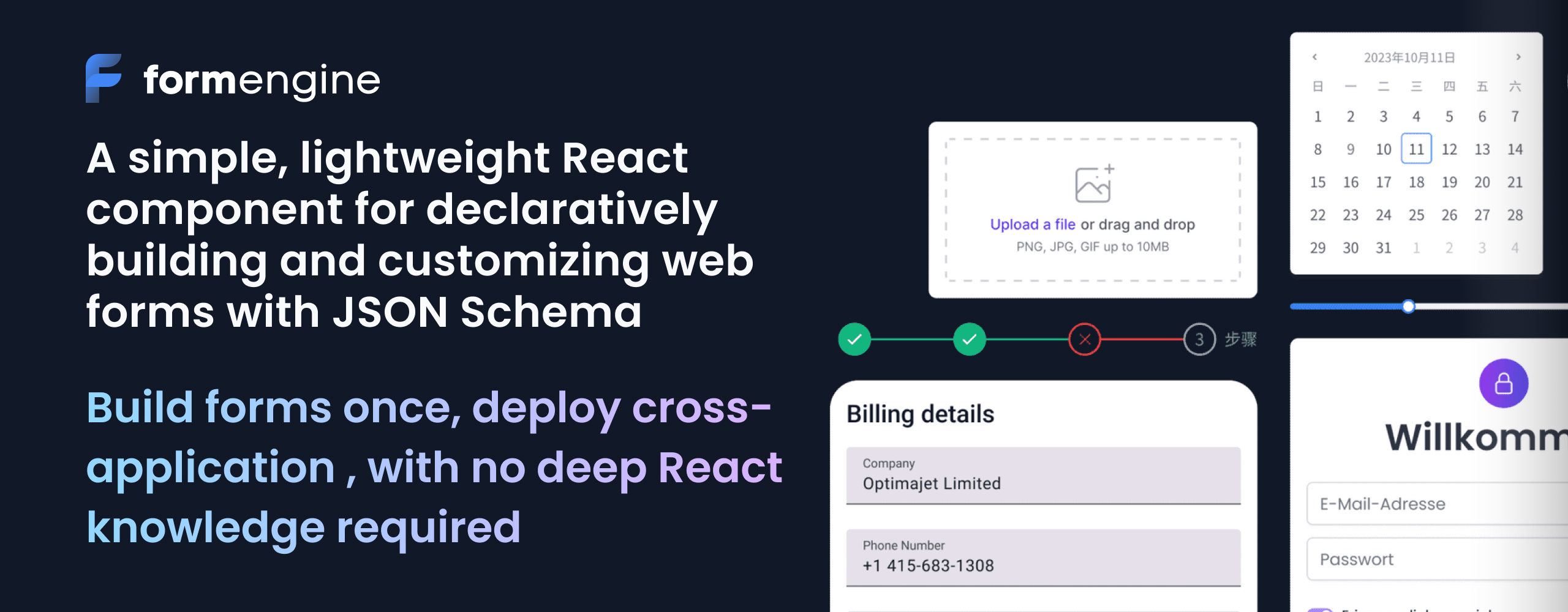




Lightweight React JSON Schema form builder library for MUI, Shadcn, RSuite, Mantine, Tailwind, Bootstrap
| Package | Total size JS + CSS (raw/gzip) | Framework / Library | Description |
|---|---|---|---|
| FormEngine Core | 618.80 KB / 188.54KB | React | FormEngine Core + MUI |
| survey | 1.47 MB / 391.72KB | Plain JavaScript + React | survey-react + MUI |
| vueform | 467.35 KB / 141.09K | Vue3 | Tree-shaked vueform + MUI CSS |
| React JSON Schema Form | 721.54 KB / 231.62KB | React | RJSF + MUI |
It’s time to use something better. Install the core package and MUI free form components:
npm install @react-form-builder/core @mui/material @emotion/react @emotion/styled @react-form-builder/components-material-ui
{
  "form": {
    "key": "Screen",
    "type": "Screen",
    "children": [
      {
        "key": "name",
        "type": "MuiTextField",
        "props": {
          "label": {
            "value": "Name"
          }
        }
      },
      {
        "key": "email",
        "type": "MuiTextField",
        "props": {
          "label": {
            "value": "Email"
          }
        }
      },
      {
        "key": "submit",
        "type": "MuiButton",
        "props": {
          "appearance": {
            "value": "primary"
          },
          "children": {
            "value": "Submit"
          }
        },
        "events": {
          "onClick": [
            {
              "name": "validate",
              "type": "common"
            }
          ]
        }
      }
    ]
  }
}
Click to see how you can define your entire form in JSON and render it with FormEngine Core.
import {view as muiView} from '@react-form-builder/components-material-ui'
import {FormViewer} from '@react-form-builder/core'

const simpleForm = {
  'errorType': 'MuiErrorWrapper',
  'form': {
    'key': 'Screen',
    'type': 'Screen',
    'children': [
      {
        'key': 'name',
        'type': 'MuiTextField',
        'props': {
          'label': {
            'value': 'Name'
          }
        },
        'schema': {
          'validations': [
            {
              'key': 'required'
            }
          ]
        }
      },
      {
        'key': 'email',
        'type': 'MuiTextField',
        'props': {
          'label': {
            'value': 'Email'
          }
        },
        'schema': {
          'validations': [
            {
              'key': 'required'
            },
            {
              'key': 'email'
            }
          ]
        }
      },
      {
        'key': 'submit',
        'type': 'MuiButton',
        'props': {
          'appearance': {
            'value': 'primary'
          },
          'children': {
            'value': 'Submit'
          }
        },
        'events': {
          'onClick': [
            {
              'name': 'validate',
              'type': 'common',
              'args': {
                'failOnError': true
              }
            },
            {
              'name': 'onSubmit',
              'type': 'custom'
            }
          ]
        }
      }
    ]
  }
}

export const App = () => (
  <FormViewer
    view={muiView}
    getForm={() => JSON.stringify(simpleForm)}
    actions={{
      onSubmit: (e) => {
        alert('Form data: ' + JSON.stringify(e.data))
      },
    }}
  />
)- Open Source & Free Forever – no vendor lock-in, no nonsense.
- Less Code, Fewer Bugs – logic and UI stay separate.
- JSON-First Architecture – define, render, and validate without touching React internals.
- UI-Agnostic Components — Works seamlessly with any UI library (MUI, Ant Design, shadcn/ui, and others).
- Framework-Agnostic — Can also be used without any framework via CDN.
- Multi-Database Support — Compatible with MySQL, PostgreSQL, MongoDB, SQLite, and more.
- Built-in Validation with Zod — Pre-configured validation powered by Zod.
- Extensible Validation Support — Works with Yup, AJV, Zod, Superstruct, Joi, and other libraries.
- Localization - Powerful capabilities for localizing forms using Fluent.js.
- Responsive Layouts — Build forms that automatically adapt to all screen sizes.
- Custom Actions — Enhance forms with interactive logic through custom JavaScript.
- Dynamic Properties — Enable real-time component updates with MobX-powered reactivity.
- Pre-Built RSuite Integration — Includes a ready-to-use component library:
@react-form-builder/components-rsuite. - Flexible Storage Options
- Store complete form definitions as JSON.
- Programmatically generate forms via code.
- Community: FormEngine Core source code and examples for FormEngine Community (MIT license).
- Premium: Examples for Premium On-Premise Drag-and-Drop React Form Builder (Commercial license). Premium On-Premise Drag-and-Drop React Form Builder
- Source Code
- Built-in Validation with Zod — Pre-configured validation powered by Zod
- Extensible Validation Support — Works with Yup, AJV, Zod, Superstruct, Joi, and other libraries
npm install @react-form-builder/components-rsuite 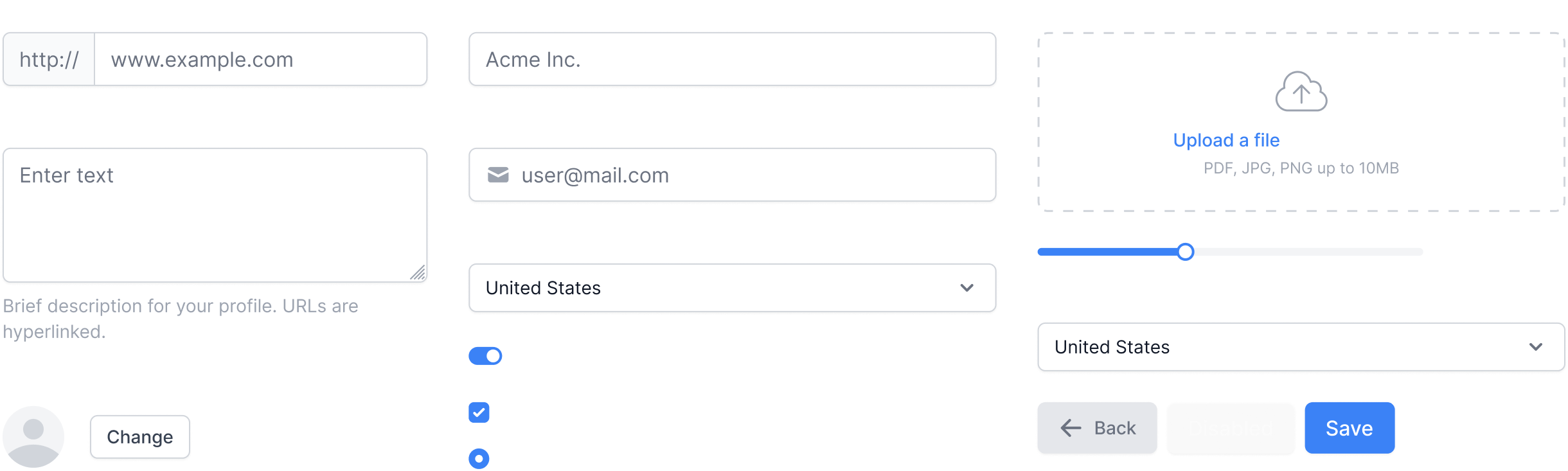
Component description consists of defining meta-information about the component - component name, component type, component properties. Meta-information on component properties in FormEngine is called an annotation.
Well, let's describe some existing component from the popular MUI library. As an example, let's take a Button:
import {Button} from '@mui/material'
import {define, disabled, event, oneOf, string} from '@react-form-builder/core'

// Let's call our component matButton, using the prefix 'mat' to make it easy to understand
// from the name that the component belongs to the MUI library.
//
// Here we call the define function and pass it two parameters - the Button component
// and the unique name of the component type.
export const matButton = define(Button, 'MatButton')
  // component name displayed in the component panel in the designer
  .name('Button')
  // define the component properties that we want to edit in the designer
  .props({
    // button text
    children: string.named('Caption').default('Button'),
    // button color
    color: oneOf('inherit', 'primary', 'secondary', 'success', 'error', 'info', 'warning'),
    // button disable flag
    disabled: disabled,
    // callback fired when the button is clicked.
    onClick: event,
  })

- Community Forum – Best for: help with building, discussion about React form best practices.
- GitHub Issues – Best for: bugs and errors you encounter using FormEngine.
- Email Support – Best for: issues with FormEngine libraries or environment.
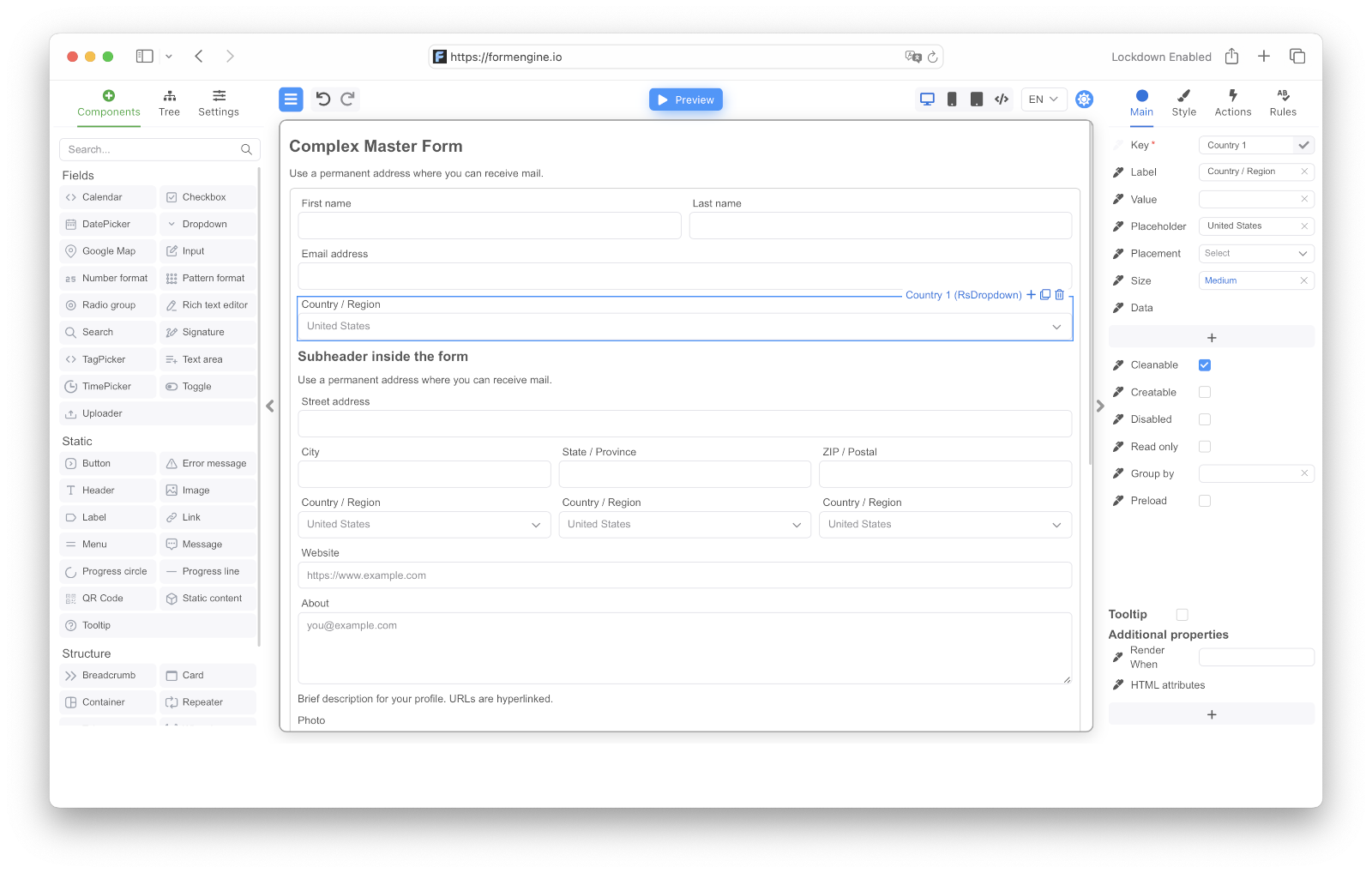
A premium on-premise React Form Builder with drag-and-drop, built for SaaS and enterprise teams — backed by Optimajet Premium Support
A powerful commercial drag-and-drop form builder for React, built on top of the free, MIT-licensed FormEngine Core. Advanced form logic, UI controls, export, and integrations.
npm install @react-form-builder/designer


It’s time to use something better. Install the core package and RSuite free form components:
npm install @react-form-builder/core @react-form-builder/components-rsuite 🫶 We hope this project has saved you hours — ⭐ star this repo to support development. Your support keeps FormEngine Core open and free